
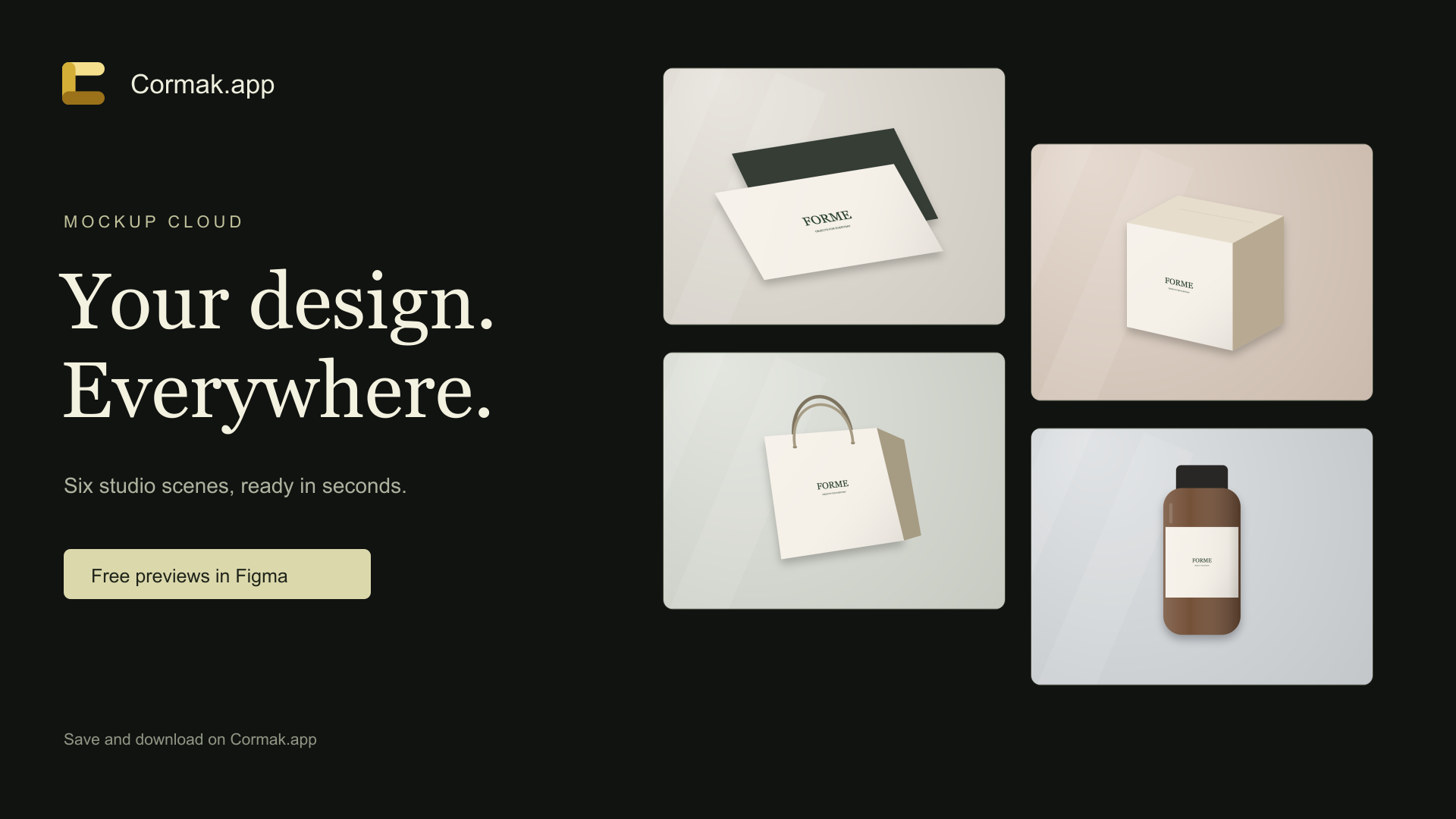
What you can create
Select one Figma layer and preview it in six scenes: business cards, a box, paper bag, poster, bottle and screen. Adjust the color and image fit, then save your selected scenes in Cormak.
How it works
- Select your designSelect one layer, group or frame in Figma and open the plugin after approval.
- Adjust your scenesChoose your surfaces, color and image fit.
- Download your filesTransfer the set to Cormak and sign in to download 1600 × 1200 PNGs or a ZIP.
Cost and limitations
Mockups are created without AI and do not spend credits. A Cormak account is needed to save and download them. Results are visual presentations, not print-ready dielines.