
AI for work4 min read

AI Agents in Your Browser — Draft Replies and Content With Cormak

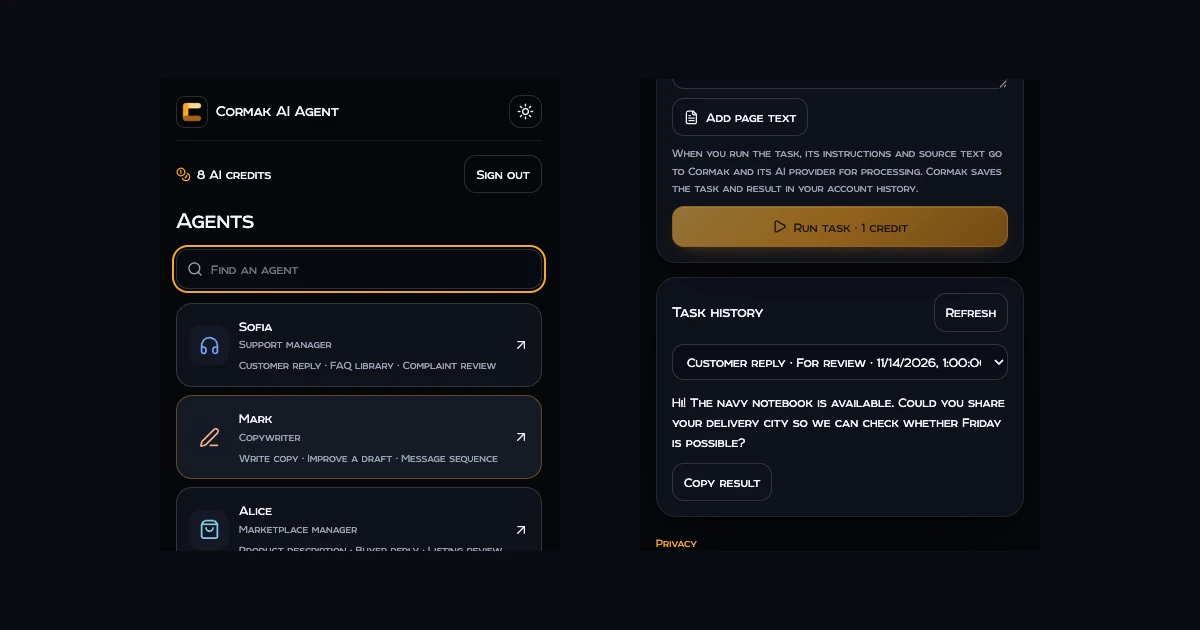
Customer questions, product pages and notes for social posts often start in a browser tab. A Cormak agent can use the excerpt you provide and the business facts saved in its profile to prepare a draft for review.

Cormak support agent and a draft customer reply

Set up your browser agent

  1. Set up an agentOpen the employee workspace in Cormak. For a support agent, add verified delivery and return policies and opening hours.
  2. Install the extension once it is releasedUse the official links on the integration page once available. For Safari on Mac, open the host app and enable the extension in Safari Settings.
  3. Choose a task and review the source textSign in with your Cormak email and password. Select an excerpt and choose Send to Cormak, or enter the text yourself. Add instructions and check what will be sent.

Draft a reply to a delivery question

For a customer who needs a notebook by Friday, select their question and choose Customer reply with the support agent. Provide the confirmed color and stock. Ask the agent to request the delivery city so you can check the date before promising it.
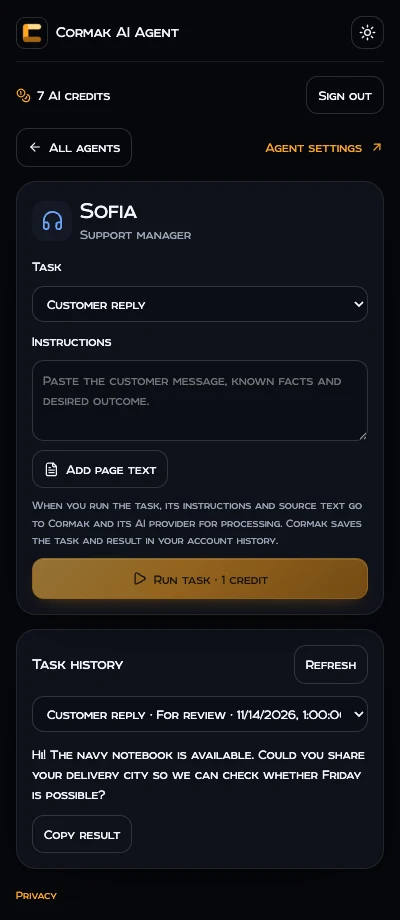
A sample customer reply shown in the extension workspace.
Example data. The draft is available in the agent’s history.

Review a product listing or write a post

Give the marketplace agent the listing and verified specifications. Ask it to flag gaps and draft a clearer description. For a social post, give the social media agent the channel, audience, confirmed product facts and one call to action.


Frequently asked questions

Do I need a Cormak account?
Yes. Sign in with the email and password for your existing account. If you use Google or Apple, use password reset in Cormak with the same email to set one.
What does a task cost?
A browser task uses one AI credit from your Cormak balance. Your current balance is shown in the extension.
When is page text sent?
You can edit or remove the text in the draft. It is sent when you choose Run task.
Where do drafts go?
Results appear in the task history for the agent. Review them before you send or publish them.

PRACTICE OVER THEORY

Turn the next step into one sentence.

Try Cormak Free 5 AI credits monthly · no credit card required