Step by step
- Photograph the productEven light, neutral background, the whole product in frame.
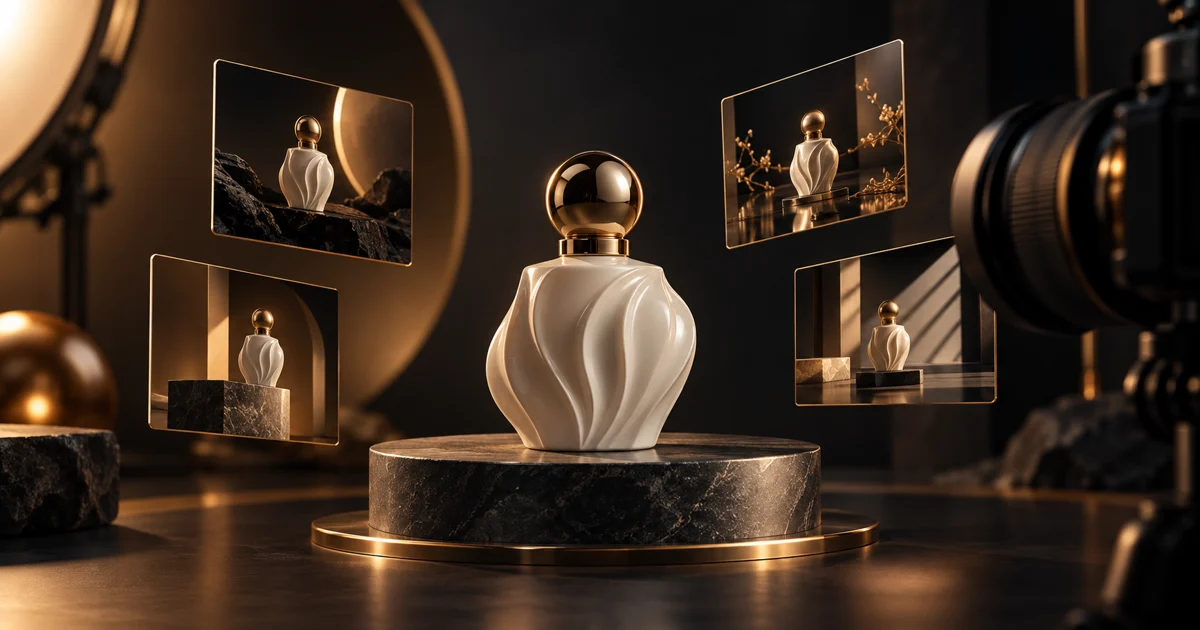
- Make the hero stillIn Photo Studio, upload the photo as a reference and ask for a studio shot; Nano Banana 2 costs 2 AI credits.
- Animate the stillImage-to-video: “slow 30° turn, soft light”. 1:1 or 9:16 format.
- ReviewLogo, label, colour, proportions, item count.
- PublishProduct page, Reels/Shorts, ads. Disclose AI generation where the platform requires it.
What it costs
| Step | Credits | ≈ USD |
|---|---|---|
| Nano Banana 2 hero still | 2 AI | $0.24–0.30 |
| Two 1-credit video variants | 2 video | $2.14–$4.00 |
| Total | 2 AI + 2 video | ≈ $2.38–4.30 |
Packs: AI credits — 100 for $14.99 or 1,000 for $119.99; video credits — 5 for $9.99 or 20 for $29.99.
Common mistakes
- Too much motion: the AI distorts the product's shape.
- Text and prices in frame: models often garble lettering — add them in editing.
- A photo of a person in Seedance: the generation will be rejected.